
📥 Get Your Free Smart Guide from
The MacWhisperer
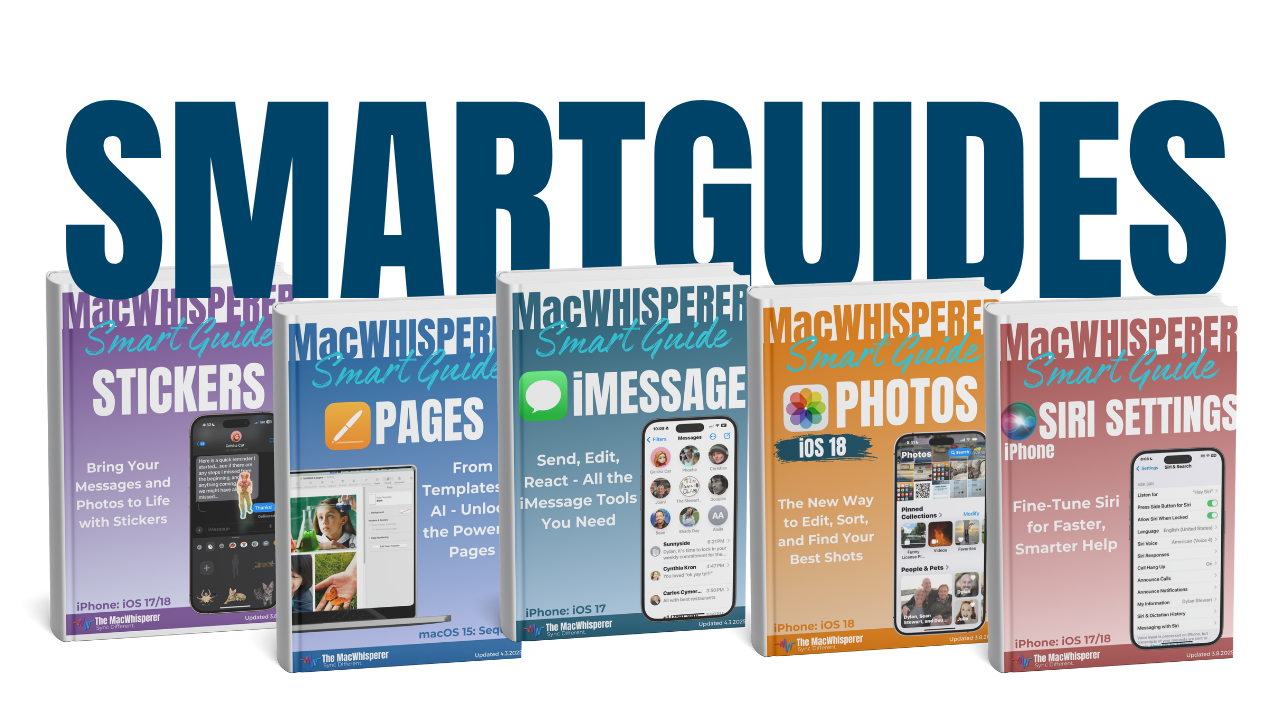
✅ Download your free SmartGuide instantly by entering your email below.
Searching on your Mac used to mean stopping what you were doing 🔍, opening Finder 📂, and clicking around until you lost your train of thought 😵💫.
With MacOS 26 Tahoe, Spotlight becomes a fast ⚡, keyboard-first command center that helps you find, launch 🚀, and act on things without breaking your flow 💡. Once you start using it properly, it quietly replaces dozens of small clicks you make every single day ⌨️✨.
This FREE SmartGuide shows you exactly how the new Spotlight works and how to turn it into one of the most powerful productivity tools on your Mac 🖥️. It’s simple, practical, and designed to save you real time 🌿.
✨ What You’ll Learn
• How the new Spotlight layout works 🧭
• How to find files faster without opening Finder 📁
• How to launch apps and tools instantly 🚀
• How to run actions directly from Spotlight ⚡
• How to use clipboard history to recover copied items 📋
✨ Grab your FREE Spotlight SmartGuide and turn Spotlight into the fastest, smartest way to control your Mac every day 😄

If you’re new to The MacWhisperer, we’ll also send you a one-time welcome email with helpful info and tips. If you’ve been here before, you’re all set—just enjoy the guide!
Let’s turn everyday tools into extraordinary productivity!