
📥 Get Your Free Smart Guide from
The MacWhisperer
✅ Download your Smart Guide by entering your email below.
📸 Screenshots Just Got Smarter — See What’s New in iOS 26
If you’re constantly taking screenshots to save recipes, receipts, memes, or reminders, iOS 26 just made your life way easier. The new Screenshot tool doesn’t just capture... it helps you edit, share, copy, and clean up without cluttering your Photos app.
Whether you want to mark up a document, capture an entire webpage, or even ask ChatGPT about what’s in your screenshot — this update changes everything.
💡 What You’ll Learn:
⚙️ Choose how screenshots work
Switch between Floating Thumbnails and Full Screen Previews for faster control.
✂️ Edit and share instantly
Crop, draw, highlight, and share — without saving to Photos.
🗞️ Capture full pages
Grab entire Safari articles, Notes, or Mail threads in one clean scroll.
🖋️ Use Markup like a pro
Add text, arrows, stickers, or even your signature directly to a screenshot.
🤖 Tap into Apple Intelligence
Summarize, search, and interact with your screenshots using ChatGPT or Siri.
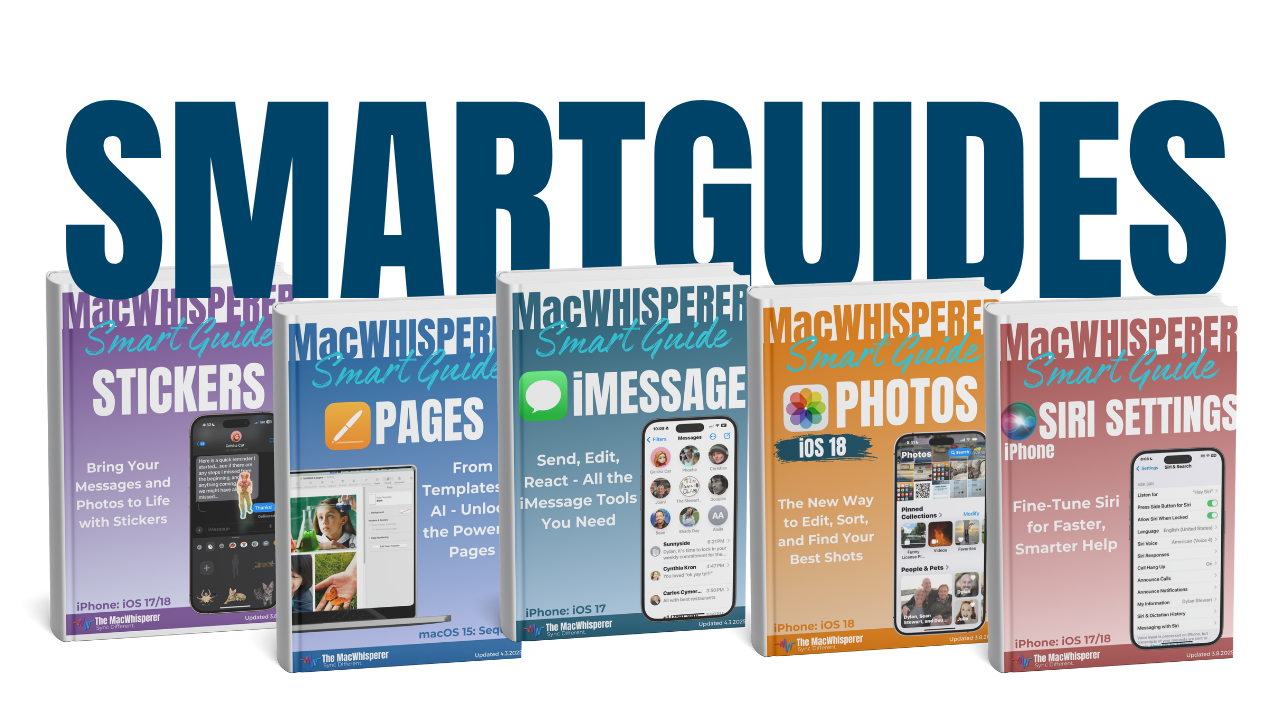
✨ Get your FREE Smart Guide Now: Clear visuals, step-by-step instructions, and expert tips from The MacWhisperer to make screenshots faster, cleaner, and smarter than ever.

If you’re new to The MacWhisperer, we’ll also send you a one-time welcome email with helpful info and tips. If you’ve been here before, you’re all set—just enjoy the guide!
Let’s turn everyday tools into extraordinary productivity!