
📥 Get Your Free Smart Guide from
The MacWhisperer
When Calendar on the iPad isn’t set up well, it’s easy to fall back on the slow way of doing things — tapping through menus, missing helpful settings, and never quite feeling in control of your schedule. Without a simple walkthrough, even useful features like color-coded calendars, alerts, reminders, travel time, and widgets can get overlooked.
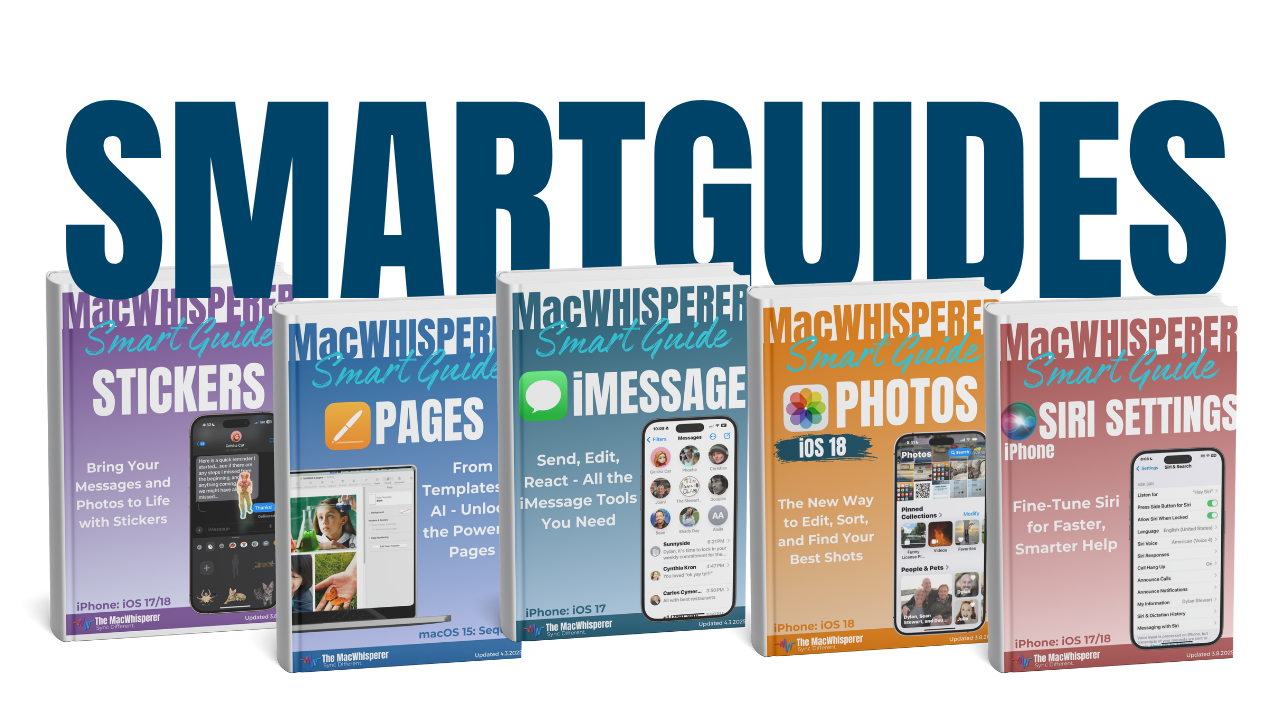
This FREE Smart Guide from The MacWhisperer walks you through Calendar on the iPad step-by-step, so you can stop guessing your way through scheduling and start managing appointments, events, reminders, and your week with more speed and confidence. It covers faster event creation and editing in Week and Day view, color-coded calendar categories, default calendar settings, alerts, travel time, reminder integration, and Calendar widgets.
Inside, you’ll learn how to:
🗓️ Create and edit events faster using Week and Day view
↔️ Move, resize, and reschedule appointments with simple touch controls
📍 Navigate your week quickly and jump back to today anytime
📋 Use List view to see upcoming details more clearly
🎨 Create color-coded calendar categories to separate different parts of your life
⚙️ Set a default calendar so new events always go to the right place
⏰ Add alerts and second alerts so important events don’t sneak up on you
🚗 Add locations and travel time so your iPad reminds you when it’s time to leave
✅ Integrate Calendar with Reminders so your schedule and tasks work together
📱 Add and resize Calendar widgets on your Home Screen for quick access to upcoming events
🔥 Power Tip: Use Calendar widgets to keep your schedule visible at a glance without even opening the app

If you’re new to The MacWhisperer, we’ll also send you a one-time welcome email with helpful info and tips. If you’ve been here before, you’re all set—just enjoy the guide!
Let’s turn everyday tools into extraordinary productivity!