
📥 Get Your Free Smart Guide from
The MacWhisperer
In iOS 26, the Notes app can be way more than a digital junk drawer. With a simple weekly routine, you can clean out the clutter, organize what matters, and actually find your notes again — without turning it into a full-blown project.
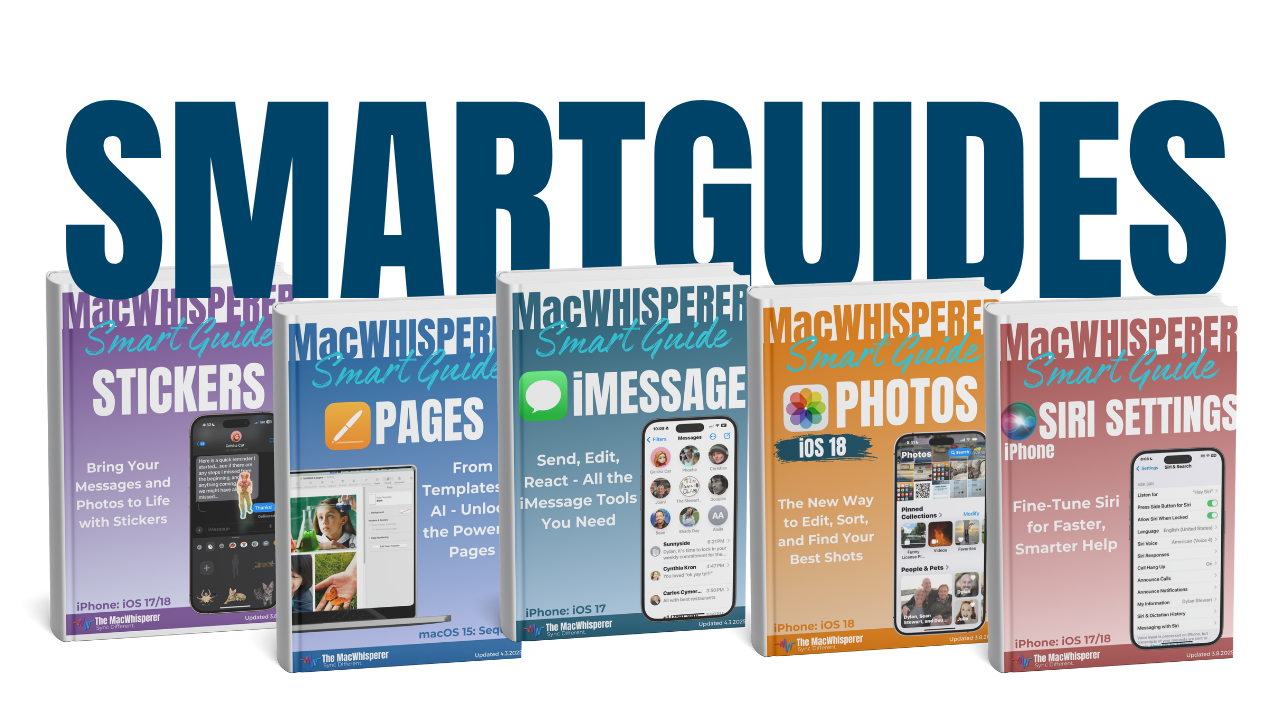
This FREE SmartGuide from The MacWhisperer walks you through a “Notes Cleanup” system step-by-step (with screenshots), so you can stop hoarding random notes and start running Notes like a clean, searchable library.
Inside, you’ll learn how to:
📌 Use Pinned Notes the right way — keep only your true “top priority” notes easy to access, and unpin the rest (Pinned Notes overview + where “Today” lives below it) (p.2)
🧷 Pin / Unpin notes fast (multiple methods) so your pinned section doesn’t become its own mess (p.3)
⚡️ Capture ideas instantly with Quick Notes — and build the habit of filing or deleting them weekly (p.4)
🗂 Clean up the “All Notes” view (the biggest win) — understand how sorting works and why old clutter hides at the bottom (p.5)
🧹 Tackle the Notes folder (unsorted notes) with a simple top/down cleanup flow: delete, move, rename, and tag what you keep (p.6)
📁 Build folders + subfolders that actually help (and avoid “one-note folders” that create more clutter than organization) (p.7)
🤖 Use Smart Folders (saved searches) to automatically collect notes by rules/filters — then group them so they’re easy to access (p.8)
🏷️ Use Tags for faster sorting + future searching — including how to rename/delete tags cleanly (p.9)
🔎 Find the needles in the haystack with better searching + filters (including Shared notes filtering to review old shared clutter) (p.10)
🔥 Power Tip: Create a “Decluttering” Smart Folder that surfaces old checklists and unfinished items so you can knock out lingering junk fast (p.11)
✅ Follow the Weekly Notes Cleanup checklist — a full 15-minute routine with what to do each week (Pinned, Quick Notes, All Notes, Folders, Smart Folders, Tags, Searches + a quick scorecard) (p.13)

If you’re new to The MacWhisperer, we’ll also send you a one-time welcome email with helpful info and tips. If you’ve been here before, you’re all set—just enjoy the guide!
Let’s turn everyday tools into extraordinary productivity!