
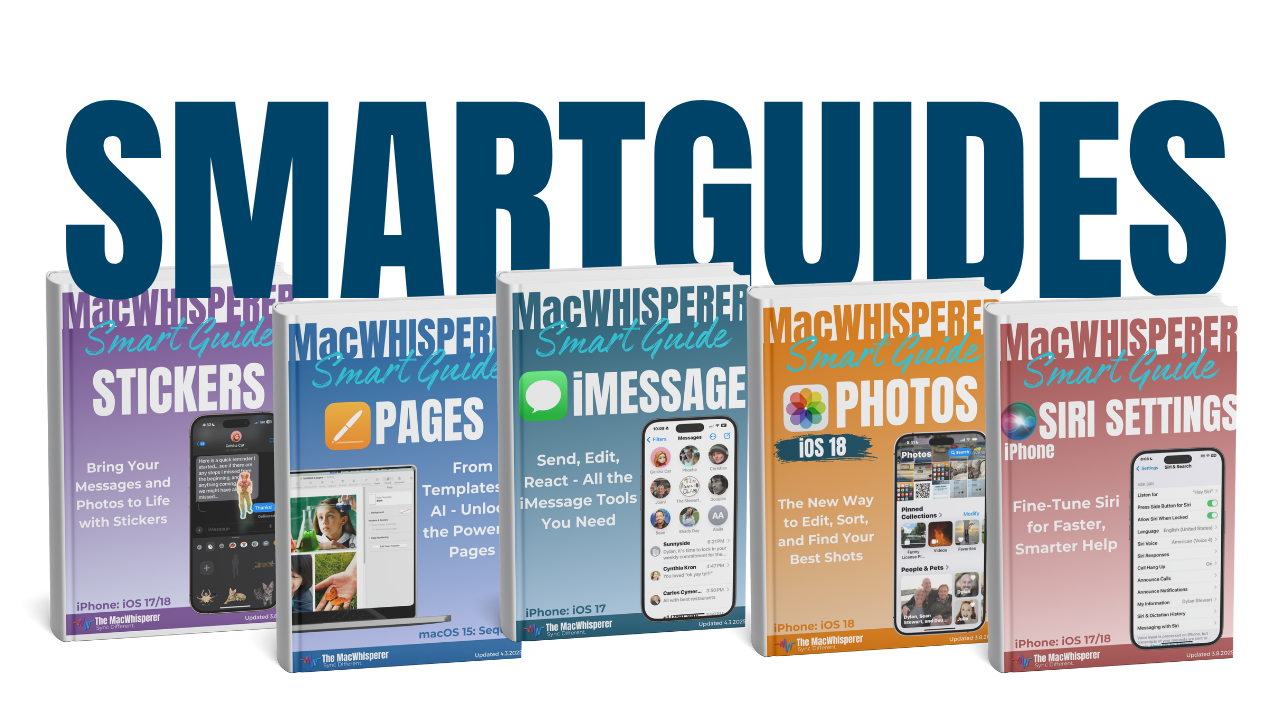
📥 Get Your Free Smart Guide from
The MacWhisperer
In iOS 26, Apple Music can be way more than a “hit play and hope” app. Once you understand the tabs and a few built-in discovery shortcuts, it becomes a fun, organized music hub — where you can find new stuff fast, revisit favorites, and keep your Library clean without thinking too hard about it.
This FREE SmartGuide from The MacWhisperer walks you through Apple Music Pt 1: Navigation step-by-step (with screenshots), so you stop feeling lost in Apple Music and start knowing exactly where to go for what you want.
Inside, you’ll learn how to:
🏠 Understand the Navigation Tool Bar — quickly switch between Home, New, Radio, Library, and Search (and what each one is best for) (p.2)
✨ Use the Home tab like a shortcut menu — find your personalized picks fast, plus your Recently Played section (p.2)
🎧 “Made For You” vs. “Stations For You” — what’s the difference, why it matters, and how each one helps you discover music (p.3)
🆕 Explore the New tab — where to find New Releases, Popular Music, Trending Artists, Featured Playlists, and Music Videos (p.4)
🌎 Find what’s trending near you with City Charts (and where that lives) (p.4)
📻 Demystify the Radio tab — Apple-hosted stations, artist stations, shows, and how to find local + international broadcasters (p.5)
🔎 Master Search the simple way — search by artist, album, song, playlist, mood, or lyrics, plus how suggested categories speed things up (p.6–7)
✅ Use “Show All Results” to get the complete list when Apple Music starts filtering too aggressively (p.7)
👤 Know what you’re looking at in search results — artist pages, curated playlists, albums, and individual songs (p.8)
📚 Understand the Library tab — where your saved music actually lives, and why Library search is different than overall search (p.9)
⬇️ Add music to your Library the right way — download vs. “Add to Library” (and when to use each) (p.9)
🔥 Power Tip: Use Siri (voice or Side Button) to instantly play an artist/song/playlist — and even add a song to your Library without tapping around (p.10)

If you’re new to The MacWhisperer, we’ll also send you a one-time welcome email with helpful info and tips. If you’ve been here before, you’re all set—just enjoy the guide!
Let’s turn everyday tools into extraordinary productivity!