
📥 Get Your Free Smart Guide from
The MacWhisperer
In iOS 26, Apple Music can be way more than a “random shuffle machine.” When you set up your Library the right way, you can build a clean collection, find any song fast, and make playlists that actually stay organized — without getting lost in menus.
This FREE SmartGuide from The MacWhisperer walks you through Apple Music Pt 2: Library step-by-step (with screenshots), so your music feels easy to manage and fun to use again.
Inside, you’ll learn how to:
📚 Understand what “Library” really is — and the 5 key sections you’ll use most: Playlists, Artists, Albums, Songs, Downloaded (p.2)
⋯ Use the 3-dot menu like a pro — Favorite, Share, Pin Song, Add to Playlist, Create Station, and more (plus press-and-hold shortcuts) (p.2)
🎤 Browse Artists, Albums, and Songs faster — alphabet jump, search bar tricks, and switching between List vs Grid view (p.3)
⭐ Use Favorites the smart way — what the star means, why favoriting improves recommendations, and how to avoid hiding your library by leaving the Favorites filter on (p.4)
⬇️ Download music for offline listening — download from album view, or press-and-hold any song/album and tap Download (p.5)
📦 Control storage like an adult — turn on Automatic Downloads (if you want), and use Optimize Storage so your phone removes older downloads when space gets tight (p.6)
🎶 Create playlists cleanly — Library → Playlists → + → Create New Playlist, name it, optionally add a photo, then add music (p.7)
➕ Add songs fast + use suggestions — Apple Music will recommend tracks as you build, and you can add/remove/edit anytime (p.7–8)
🧹 Edit playlists without chaos — tap ⋯ → Edit, drag the 3-line handles to reorder, swipe left to delete a song (p.8)
📁 Use Playlist Folders — create folders so your playlist list doesn’t become a scroll-fest, then drag playlists into the folder (p.9)
✌️ Move multiple songs at once — the two-finger multi-select method to batch-move songs into a playlist or folder (p.10)
▶️ Master the Now Playing bar + screen — favorite while playing, keep browsing while music plays, and return to the mini-player fast (p.11)
🧾 Use Queue + History — see what’s next, scroll upcoming songs, view playback history, and Clear it when needed (p.12)
🔁 Know the 4 key playback controls — Shuffle, Repeat, Autoplay, and the new Auto DJ feature (p.13)
🎤📡 Lyrics + AirPlay — pull up lyrics to sing along, and quickly choose where your audio plays (p.14)
🔥 Power Tip: Pin your favorite playlist so it always stays at the top of your Playlists list for instant access (p.15)
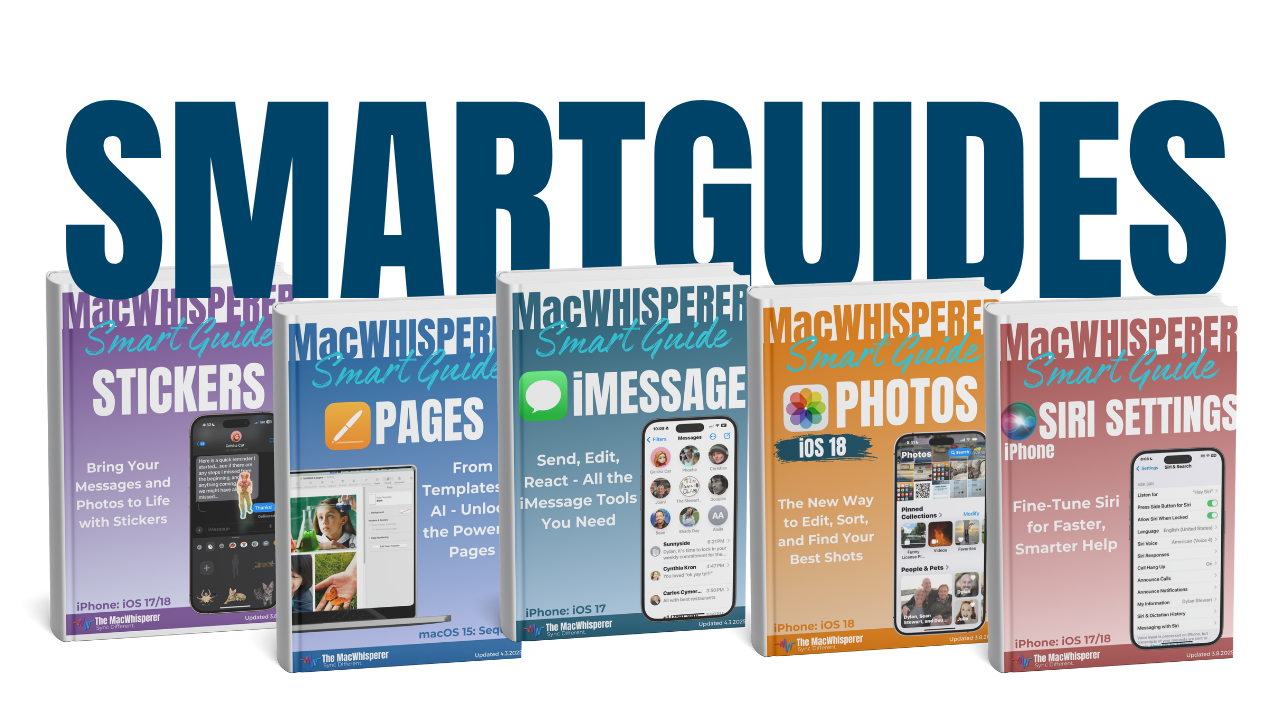

If you’re new to The MacWhisperer, we’ll also send you a one-time welcome email with helpful info and tips. If you’ve been here before, you’re all set—just enjoy the guide!
Let’s turn everyday tools into extraordinary productivity!