
📥 Get Your Free Smart Guide from
The MacWhisperer
If you've ever opened a photo or document on your iPad and wished you could just write on it ✍️ circle something quickly 🔍 or sign it without printing 📄 — you're going to love this. Apple Markup is already built into your iPad 📱 and most people have no idea it's there. Once you know where to find it, it becomes one of the most powerful tools you already own. 🚀 Your iPad has a secret art studio hiding in plain sight — and it's completely free. With iPad Markup, you can draw, annotate photos, highlight, add shapes, sign documents, and even create stickers from photos 🎨 No extra apps. No subscriptions. Just an amazing iPad drawing tool you've had all along. 💡 In this iPad Markup tutorial, I'll walk you through everything step by step 🧭 — from the basics to advanced tools — plus a MacWhisperer Power Tip at the end that completely changes how you work with photos on your iPad. 📸 Whether you're new to iPad tips and tricks or just want to get more out of the device you already own, this one's for you.
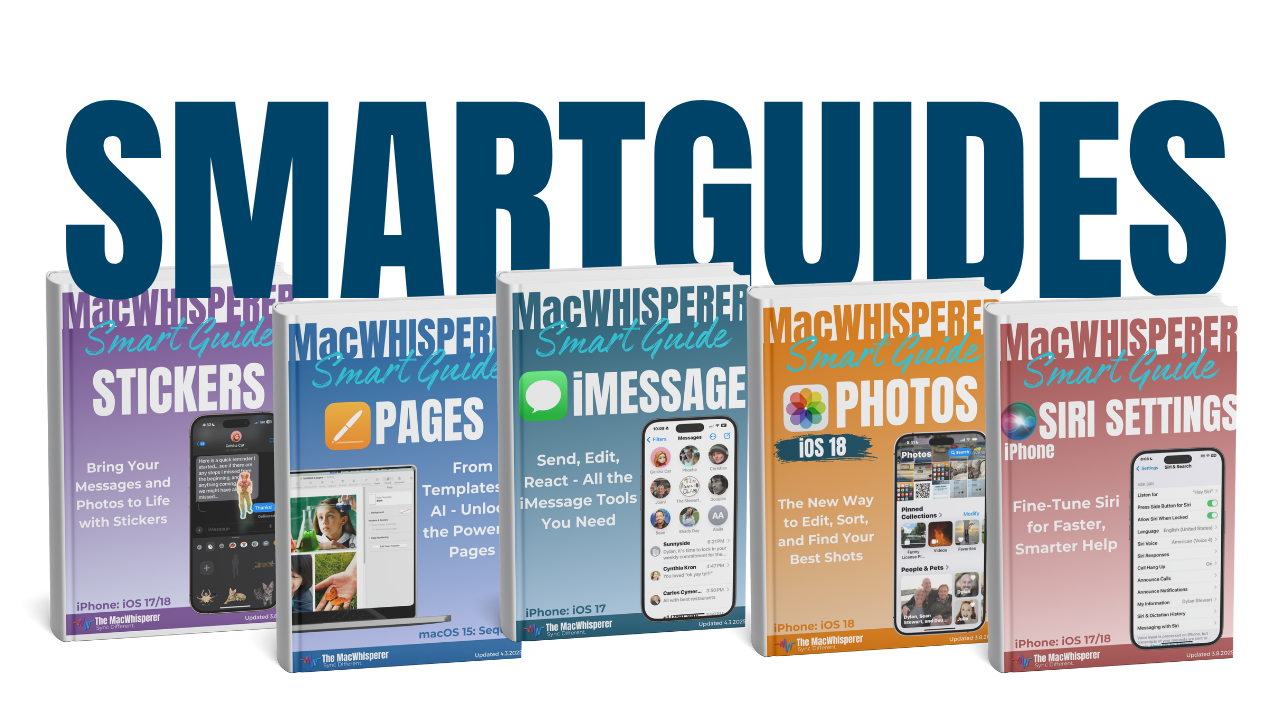

If you’re new to The MacWhisperer, we’ll also send you a one-time welcome email with helpful info and tips. If you’ve been here before, you’re all set—just enjoy the guide!
Let’s turn everyday tools into extraordinary productivity!