
📥 Get Your Free Smart Guide from
The MacWhisperer
When iMessage on the iPhone isn’t fully understood, it’s easy to keep texting the slow way — retyping messages after a typo, forgetting to reply to important conversations, missing hidden tools, scrolling through old threads, and never realizing how many helpful features are built right into the Messages app. Without a simple walkthrough, useful options like editing sent texts, undoing a message, marking conversations as unread, using message tools, sending later, stickers, audio, photos, and other hidden iMessage features can easily get overlooked.
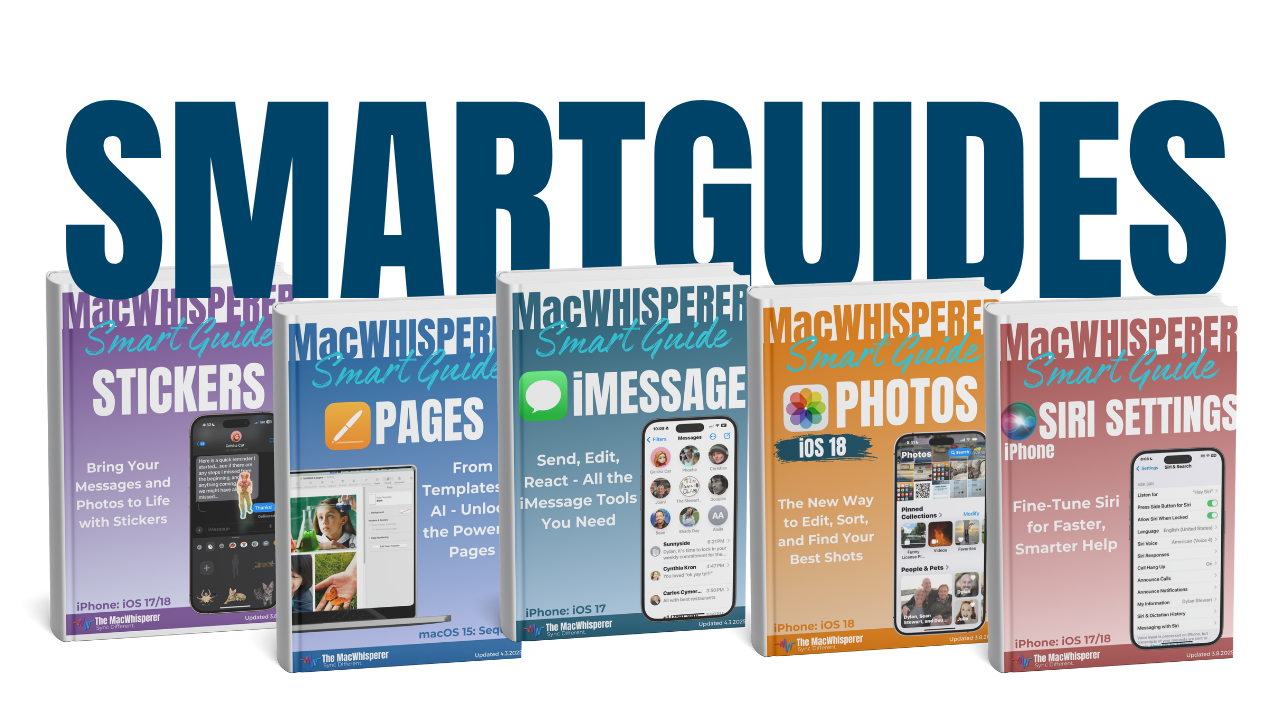
This FREE Smart Guide from The MacWhisperer walks you through iMessage on the iPhone step by step, so you can stop guessing your way through Messages and start texting, sharing, correcting, organizing, and communicating with more speed and confidence. It covers hidden tricks every iPhone user should know, including editing sent messages, undoing send, marking messages as unread, and using the tools built into iMessage to make everyday communication easier.
Inside, you’ll learn how to:
✏️ Edit sent messages so you can quickly fix typos or update what you meant to say
✅ Tap the blue checkmark to resend your corrected message after making an edit
👀 Understand the Edited label so you know what others may still be able to see after a message is changed
↩️ Undo Send to remove a message from a conversation when you catch it quickly enough
⏱️ Know the time limits for editing and unsending messages so you can act fast
📩 Mark conversations as unread so important messages don’t get forgotten when you’re too busy to reply
👆 Press and hold messages to reveal powerful hidden options like Edit, Undo Send, Reply, Copy, Translate, and more
💬 Use iMessage tools more confidently so texting feels faster, cleaner, and more under your control
📲 Navigate your Messages list with less frustration by using simple gestures and shortcuts built into the iPhone
🔥 Power Tip: Press and hold on a message to unlock iMessage’s hidden command center — where you can edit, undo send, reply, copy, translate, and access more tools without hunting through settings.

If you’re new to The MacWhisperer, we’ll also send you a one-time welcome email with helpful info and tips. If you’ve been here before, you’re all set—just enjoy the guide!
Let’s turn everyday tools into extraordinary productivity!