
📥 Get Your Free Smart Guide from
The MacWhisperer
When Apple Notes on the Mac isn’t fully understood, it’s easy to keep organizing the hard way — leaving important notes buried, switching back and forth between windows, forgetting where key information lives, typing meeting notes while trying to listen, and missing built-in tools that can help you stay focused. Without a simple walkthrough, powerful features like pinned notes, locked notes, separate note windows, audio recording, transcripts, collapsible headers, collaboration, shared folders, and keyboard shortcuts can easily get overlooked.
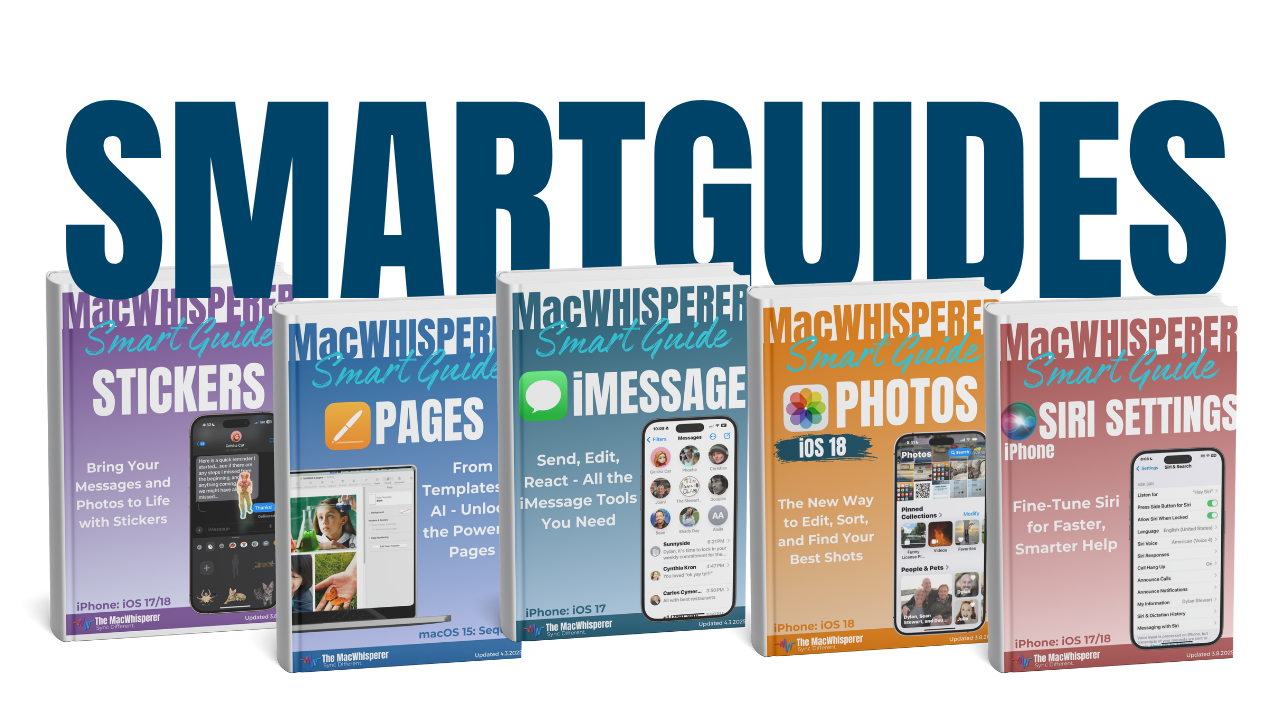
This FREE Smart Guide from The MacWhisperer walks you through Apple Notes on the Mac step by step, so you can stop treating Notes like a basic scratchpad and start using it as a smarter, safer, more organized digital workspace. It covers practical Notes features every Mac user should know, including pinning essential notes, locking private information, recording audio inside a note, using collapsible headers to organize long notes, collaborating with others, and speeding up your workflow with Mac keyboard shortcuts.
Inside, you’ll learn how to:
📌 Pin important notes so your most-used information stays at the top of your Notes list
🧭 Find pinned notes inside folders and the All Notes view so key information is always easier to reach
🪟 Open notes in separate windows so you can work on multiple notes without constantly switching back and forth
🔒 Lock private notes to protect sensitive information like financial details, account info, journal entries, or personal records
🔑 Choose between your Mac login password or a custom Notes password when setting up locked notes
🎙️ Record audio directly inside a note so you can capture meetings, ideas, lessons, or conversations while taking notes at the same time
▶️ Play recordings back from inside Notes and review what was said without jumping to another app
📝 View transcripts from recorded audio and use Apple Intelligence to summarize recordings when available
📞 Understand how call recordings can be saved into Notes and synced across your Apple devices
📂 Use collapsible headers to organize long notes into cleaner, easier-to-read sections
👥 Collaborate on notes with others in real time through Messages, Mail, AirDrop, or shared links
💬 Use @ mentions in shared notes to notify collaborators directly
🗂️ Share entire folders so every note added to that folder is automatically shared with the people you invite
⌨️ Use keyboard shortcuts to format notes faster with titles, headings, subheadings, bullet lists, dashed lists, numbered lists, checklists, highlights, links, search, and more
🔥 Power Tip: Use collapsible headers and keyboard shortcuts together to turn long, messy notes into clean, organized command centers — perfect for projects, meetings, planning, research, and daily productivity.

If you’re new to The MacWhisperer, we’ll also send you a one-time welcome email with helpful info and tips. If you’ve been here before, you’re all set—just enjoy the guide!
Let’s turn everyday tools into extraordinary productivity!