
📥 Get Your Free Smart Guide from
The MacWhisperer
When you don’t know how to structure notes in Apple Notes, it’s easy to keep starting from scratch — rebuilding the same note over and over, forgetting what sections you usually need, losing track of important details, burying useful information in long messy notes, or overlooking simple tools like headers, colors, tags, checklists, audio recordings, collapsible sections, links, and search.
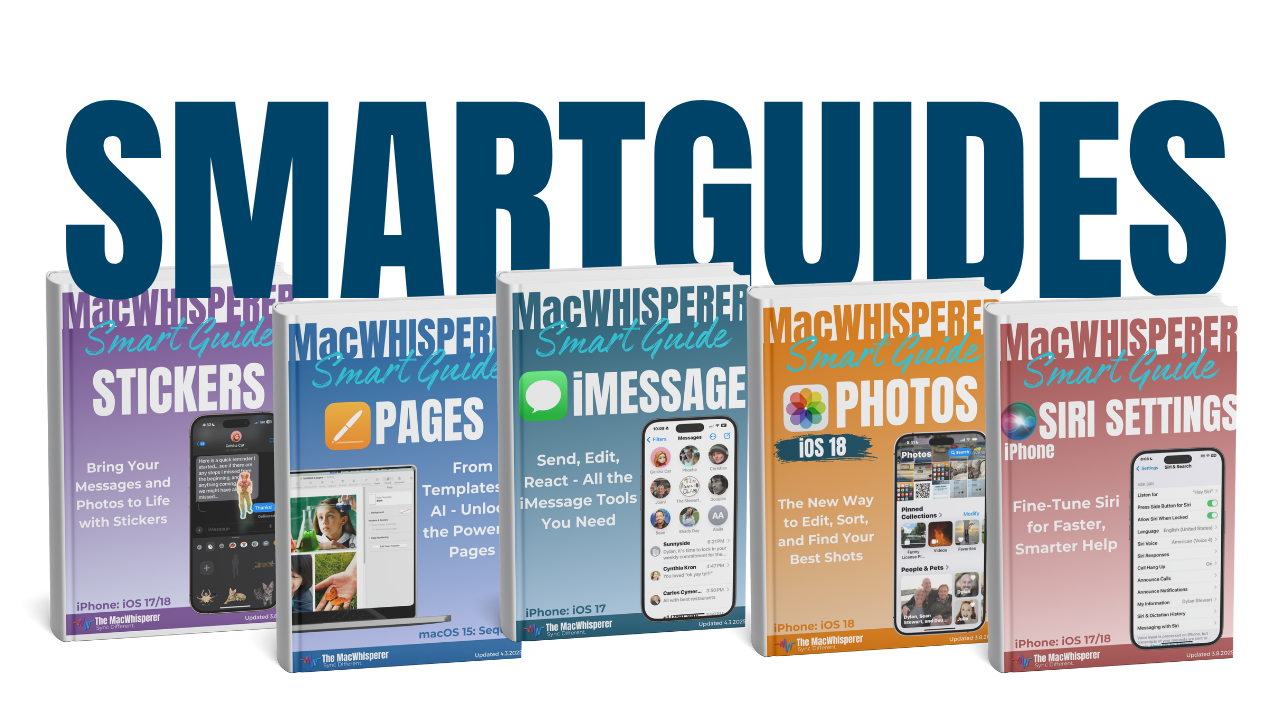
This FREE Smart Guide from The MacWhisperer walks you through how to turn Apple Notes into a simple template system, so you can stop recreating the same notes from zero and start capturing information with more speed, structure, and confidence.
Presented as a friendly build-along inside Apple Notes, this Smart Guide is really about one powerful idea: build a note once, with the structure and tools already in place, then duplicate it forever. Along the way, you’ll learn the built-in Notes features that make templates cleaner, smarter, and easier to reuse.
Inside, you’ll learn how to:
🧩 Understand the core template idea — build a note once, then duplicate it whenever you need it
📝 Create a clean note structure using sections, spacing, and simple formatting so your notes are easier to follow
🎨 Use header styles, highlight colors, and visual organization to make important parts of a note stand out
🏷️ Add tags that help your notes auto-organize and become easier to find later
✅ Build checklists into your templates so your notes can help you track tasks, steps, and repeatable processes
🎙️ Record audio directly inside a note and use transcripts so your notes can capture more than just typed text
🧱 Use collapsible sections to keep detailed notes organized without making them feel overwhelming
🔗 Add clean embedded links so related resources, pages, or notes are always connected
🔍 Search and reuse your notes more easily by building a system that grows with you over time
🔥 Power Tip: Link your notes together into one connected, searchable knowledge base — so Apple Notes becomes more than a place to write things down. It becomes a reusable library of ideas, information, and workflows you can keep building on.

If you’re new to The MacWhisperer, we’ll also send you a one-time welcome email with helpful info and tips. If you’ve been here before, you’re all set—just enjoy the guide!
Let’s turn everyday tools into extraordinary productivity!