
📥 Get Your Free Smart Guide from
The MacWhisperer
In Mail on the iPhone, it’s easy to go from “I know that email is in here somewhere” to bouncing between inboxes, scrolling through account folders, and wasting time trying to find the message you need. Without a simple system, your Mailboxes screen can feel cluttered, important messages can get buried, and even basic email management can turn into a frustrating daily chore.
This FREE Smart Guide from The MacWhisperer walks you through practical, step-by-step ways to customize and organize Mail on your iPhone, so you can stop digging through endless folders and start using Mail with more clarity, speed, and confidence.
Inside, you’ll learn how to:
📬 Customize your Favorites section so the mailboxes and folders you use most are always one tap away
✏️ Use the Edit button to add, remove, and rearrange the tools that appear at the top of your Mailboxes screen
📥 Understand All Inboxes so you can decide whether to view multiple email accounts together or keep them separate
🚩 Enable the Flagged mailbox so important emails are easier to find in one convenient place
⭐ Add powerful special mailboxes like VIP, Follow Up, Send Later, and Remind Me to match the way you actually work
📁 Browse individual email accounts to find and add specific folders to your Favorites section
✅ Use Done to lock in your changes and keep your Mail setup clean, focused, and easy to navigate
🧠 Build a smarter Mail workflow so your inbox stops feeling overwhelming and starts working for you
🚀 Power Tip: Turn Mail on the iPhone into a streamlined, customized command center that helps you find the right email faster and stay on top of what matters most.
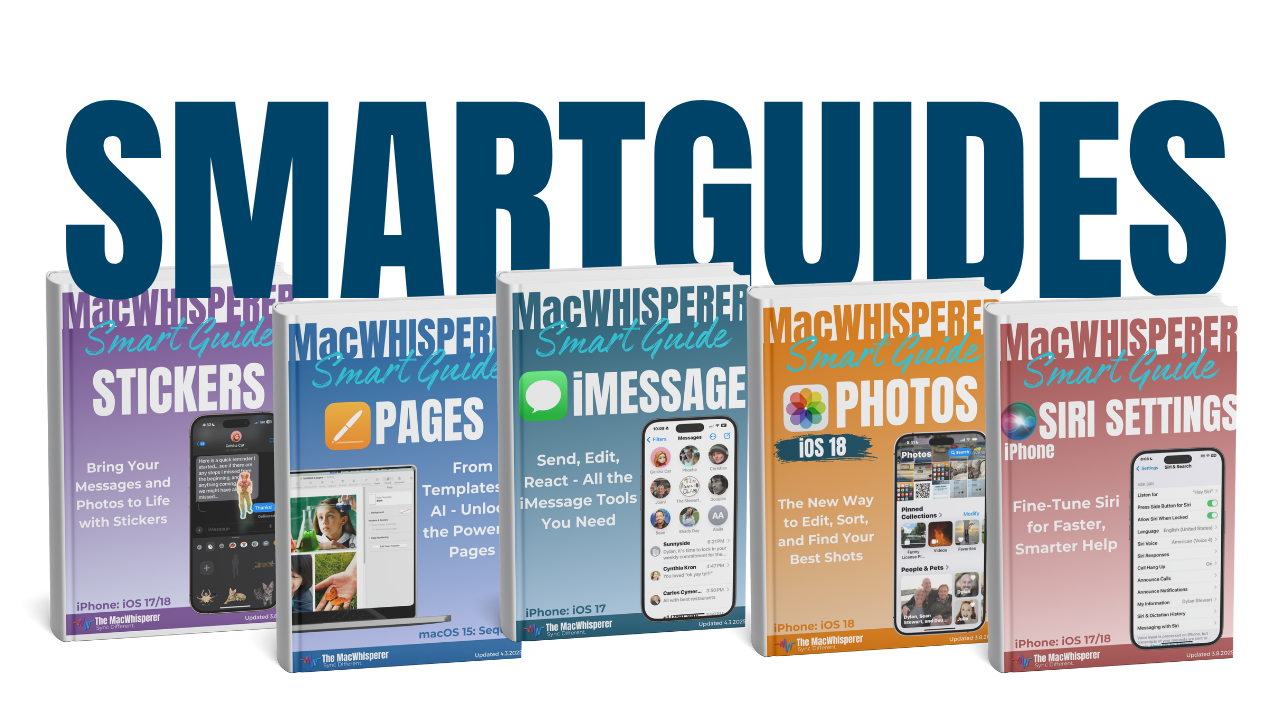

If you’re new to The MacWhisperer, we’ll also send you a one-time welcome email with helpful info and tips. If you’ve been here before, you’re all set—just enjoy the guide!
Let’s turn everyday tools into extraordinary productivity!