
📥 Get Your Free Smart Guide from
The MacWhisperer
In iOS 26, the Reminders app can be way more than a dumping ground. With the right setup, it becomes your daily control panel — priority lists, shared lists, grocery sorting, subtasks, columns, and even “urgent” alerts — without feeling complicated.
This FREE SmartGuide from The MacWhisperer walks you through it step-by-step (with screenshots), so you can stop winging it and start trusting your reminders again.
Inside, you’ll learn how to:
📌 Pin your most important lists so they’re always at the top (Today / Scheduled / All / Completed + your favorites) (see “Pinned List,” p.2–3)
🆕 Create better lists fast (Standard, Shopping/Groceries, Smart List) + name them in a way Siri understands (p.4)
🎨 Make lists easy to recognize with colors + icons + emojis (and reorder them cleanly) (p.4–5)
🛒 Use Groceries the smart way — auto-sorted categories, hide completed items, and keep the list focused (p.6)
ℹ️ Use the Details screen to add date/time, location, priority, notes — and even attach an image to a reminder (p.7)
🏷️ Add Tags to filter and organize (and avoid the “spaces in hashtags” trap) (p.8)
🤝 Share lists with family or teammates + manage access, copy share links, and assign tasks (p.9–11)
🧩 Create subtasks 3 different ways + add a URL for quick reference (p.12–13)
🗓️ Add dates & times properly (and avoid confusion with hidden completed tasks) (p.14)
🔥 Build a daily “NOW” list and set it as your default list for Siri-added reminders (p.15 & p.18)
📊 Use Columns view to run projects like a mini Kanban board — and move tasks between columns (p.16–17)
🚨 Power Tip: Urgent Reminders — force repeat alerts when something truly matters (and the one warning you need first) (p.19)
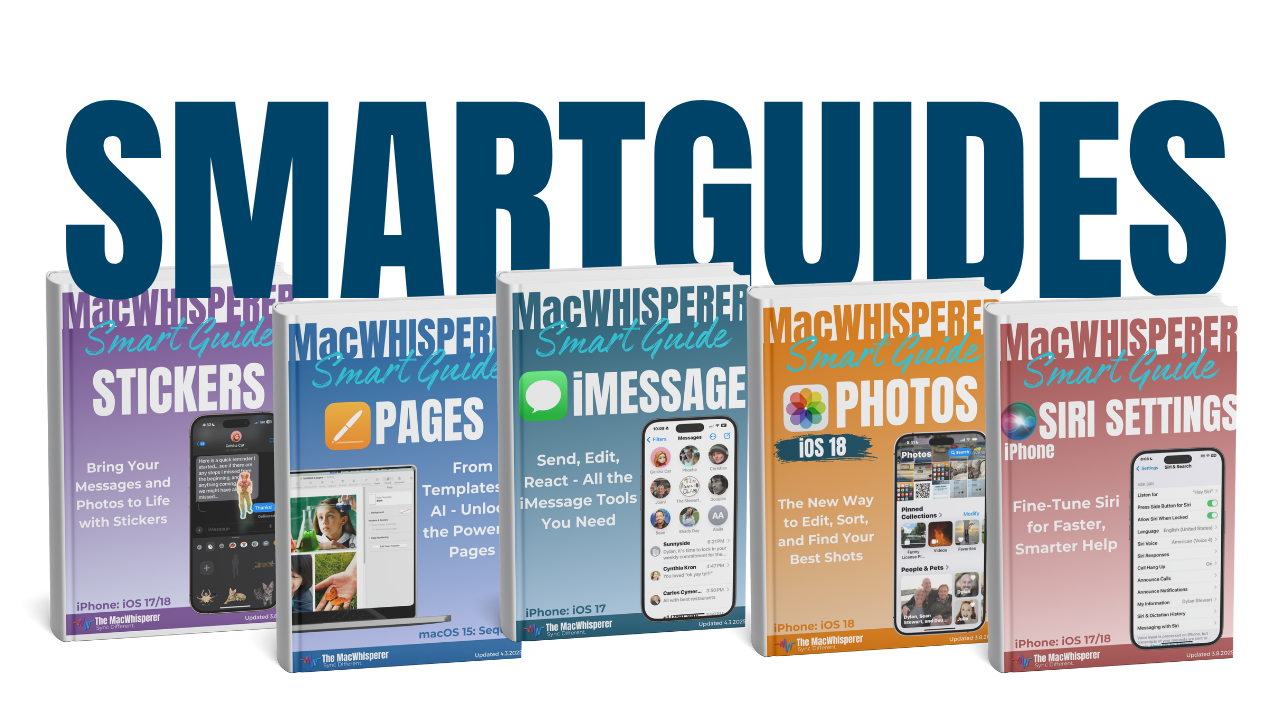

If you’re new to The MacWhisperer, we’ll also send you a one-time welcome email with helpful info and tips. If you’ve been here before, you’re all set—just enjoy the guide!
Let’s turn everyday tools into extraordinary productivity!