
📥 Get Your Free Smart Guide from
The MacWhisperer
Someone texts you their number, an invite lands in your inbox, a website has the thing you mean to buy later... and it all just sits there. Copying, pasting, and switching between apps feels like a second job, so the important stuff never gets put where it belongs. Meanwhile the long emails and the 600 page manuals keep piling up, unread.
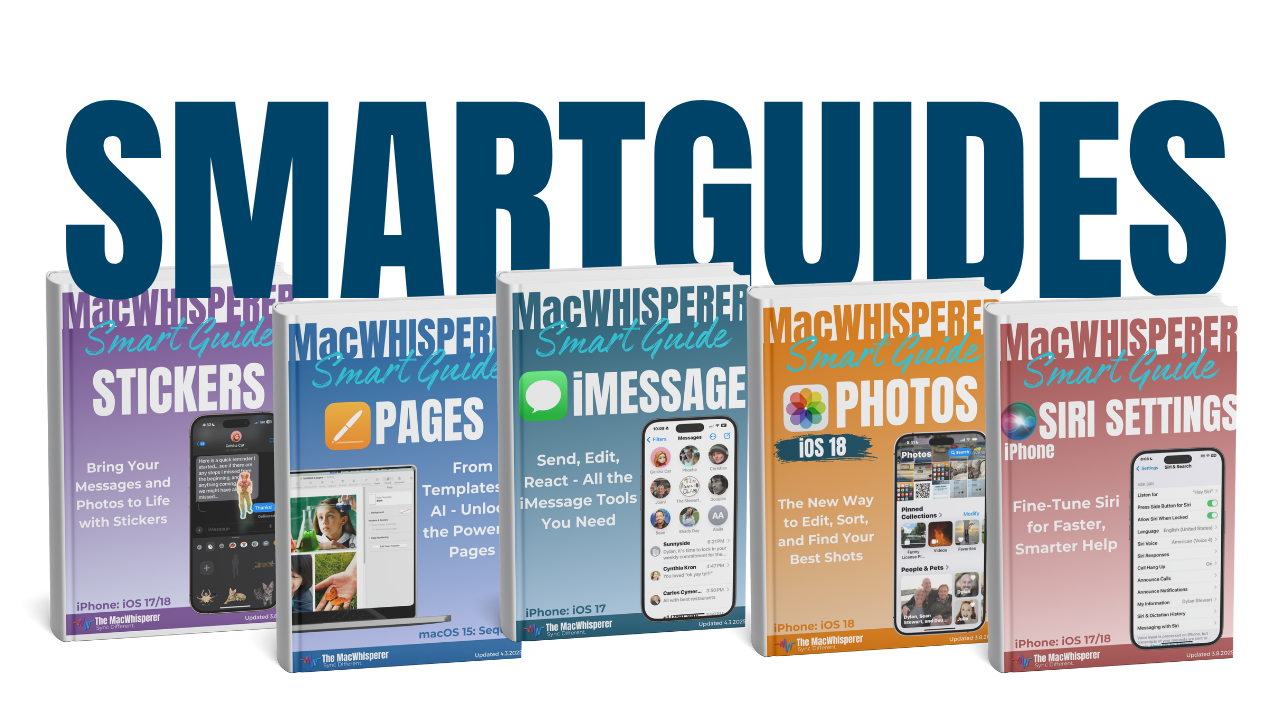
This free Smart Guide from The MacWhisperer shows you how the new Siri AI in iOS 27 can see what's on your iPhone screen and take care of it for you. Whatever you're looking at, Siri can work with it.
What you'll learn:
📥 Send contacts, invites, addresses, and webpages straight to the right app
🛒 Turn emails, tickets, and recipes into reminders, plans, and shopping lists
📖 Get the key points from long emails and manuals, or have Siri read them to you
🖼️ Save, fix, share, and create photos without hunting through menus
❓ Ask Siri what any button on your screen does
🔥 Power Tip: there's one last move in the guide that fixes a frustration almost everyone has on their iPhone... and it ends with Siri channeling a certain famous playwright.
You don't have to remember where everything goes anymore. Once you see what Siri can do with your screen, the little chores that used to pile up just get handled, and your iPhone finally feels like it's working for you.

If you’re new to The MacWhisperer, we’ll also send you a one-time welcome email with helpful info and tips. If you’ve been here before, you’re all set—just enjoy the guide!
Let’s turn everyday tools into extraordinary productivity!