
The Digital Productivity Workshop has wrapped up!
We had an incredible time helping students build systems to store, accomplish, and schedule their lives with more ease. While this session is over, your journey toward digital clarity is just beginning.
Don't let the next one slip away. I host workshops and training sessions throughout the year to help you stop "surviving" your tech and start letting it support you. Because these events are live and spots are limited, they fill up incredibly fast.
The best way to secure your seat for the next event is to be on my inner circle email list.
Join the Inner Circle Be the first to know about upcoming workshops, receive exclusive productivity tips, and get early-bird access to new resources from The MacWhisperer.
Not a fan of waiting? Explore the MacWhisperer Academy and start mastering your devices today.
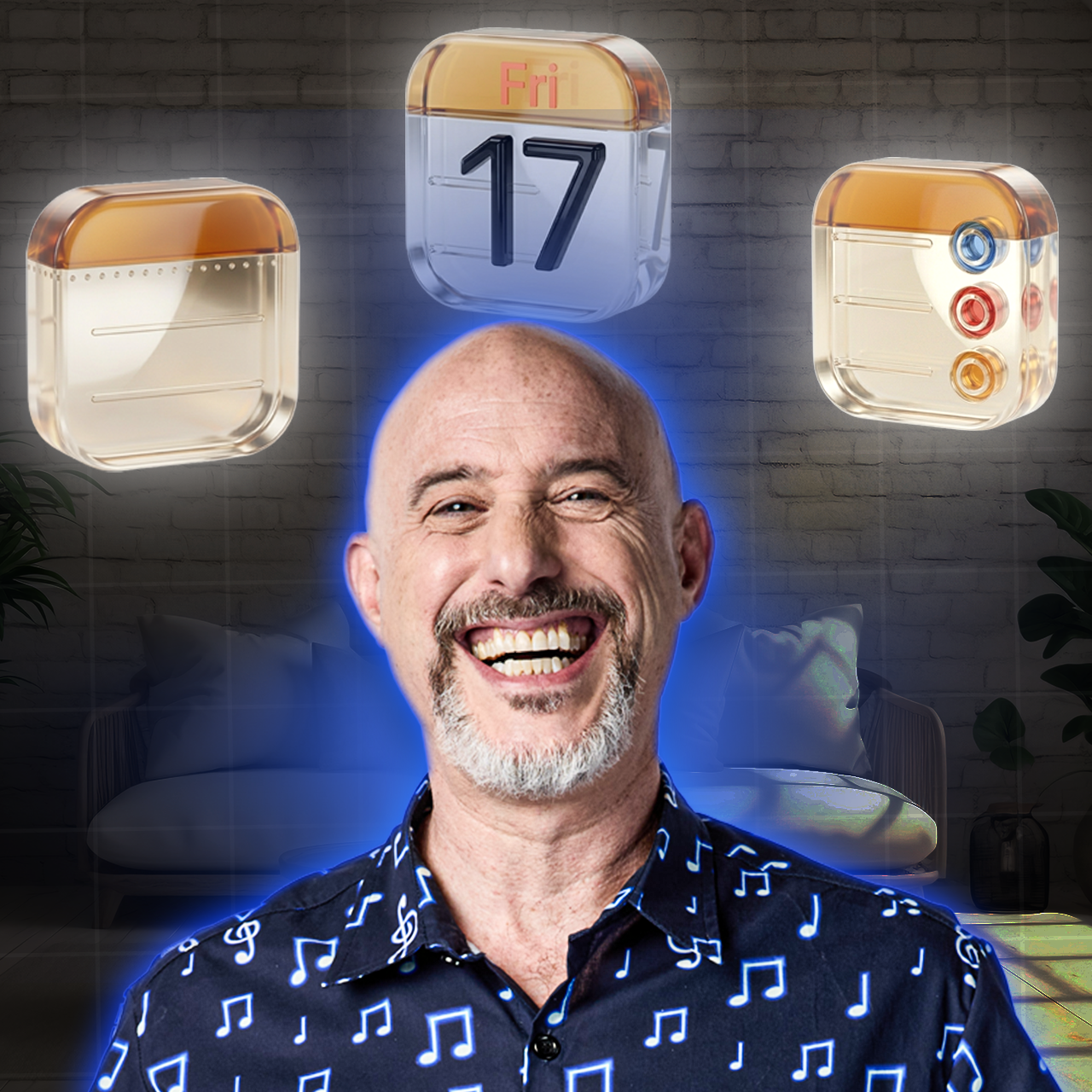
Simplify, Organize & Take Control of Your Digital Life in Just 3 Days
With The MacWhisperer For iPhone, Mac, and iPad Users
3 FREE LIVE CLASSES

12:00–1:00 PM PT 3:00–4:00 PM ET
Think you know your Apple devices?
Think Again. Your iPhone, iPad, and Mac already include powerful built-in tools to help you capture ideas, manage tasks, and plan your life more clearly — you just need a simple system for making them work together.
Join Dylan Stewart, The MacWhisperer, for a free live 3-day workshop that will show you exactly how to use Apple Notes, Reminders, and Calendar as one connected productivity system.
No extra apps.
No complicated setup.
No overwhelm.
Just a practical method you can start using right away.
Reserve My Seat
00
DAYS
00
HOURS
00
MINS
00
SECS
Why This Workshop Is Different
This isn’t another productivity lecture filled with theory you’ll never use.
It’s a practical, hands-on workshop built around the Apple apps you already have — designed to help you create a simple, repeatable workflow that makes everyday life feel less scattered.
You’ll walk away knowing how to:
- keep important information in one reliable place
- turn ideas into action
- schedule what matters realistically
- use your Apple devices together instead of separately
What You’ll Learn

In just three days, you’ll learn how three Apple apps can work together as one simple system:
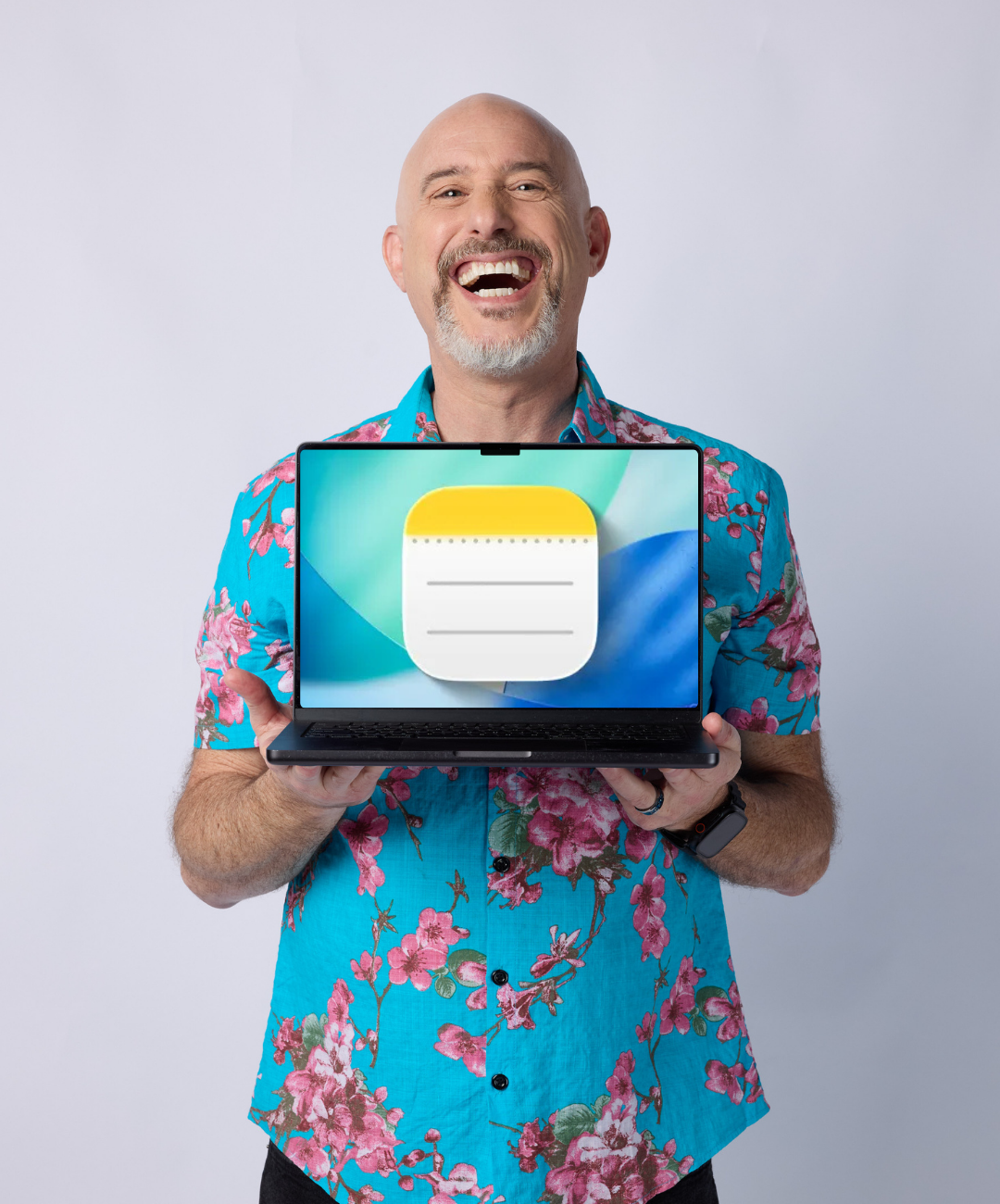
Notes on the Mac = Store Things
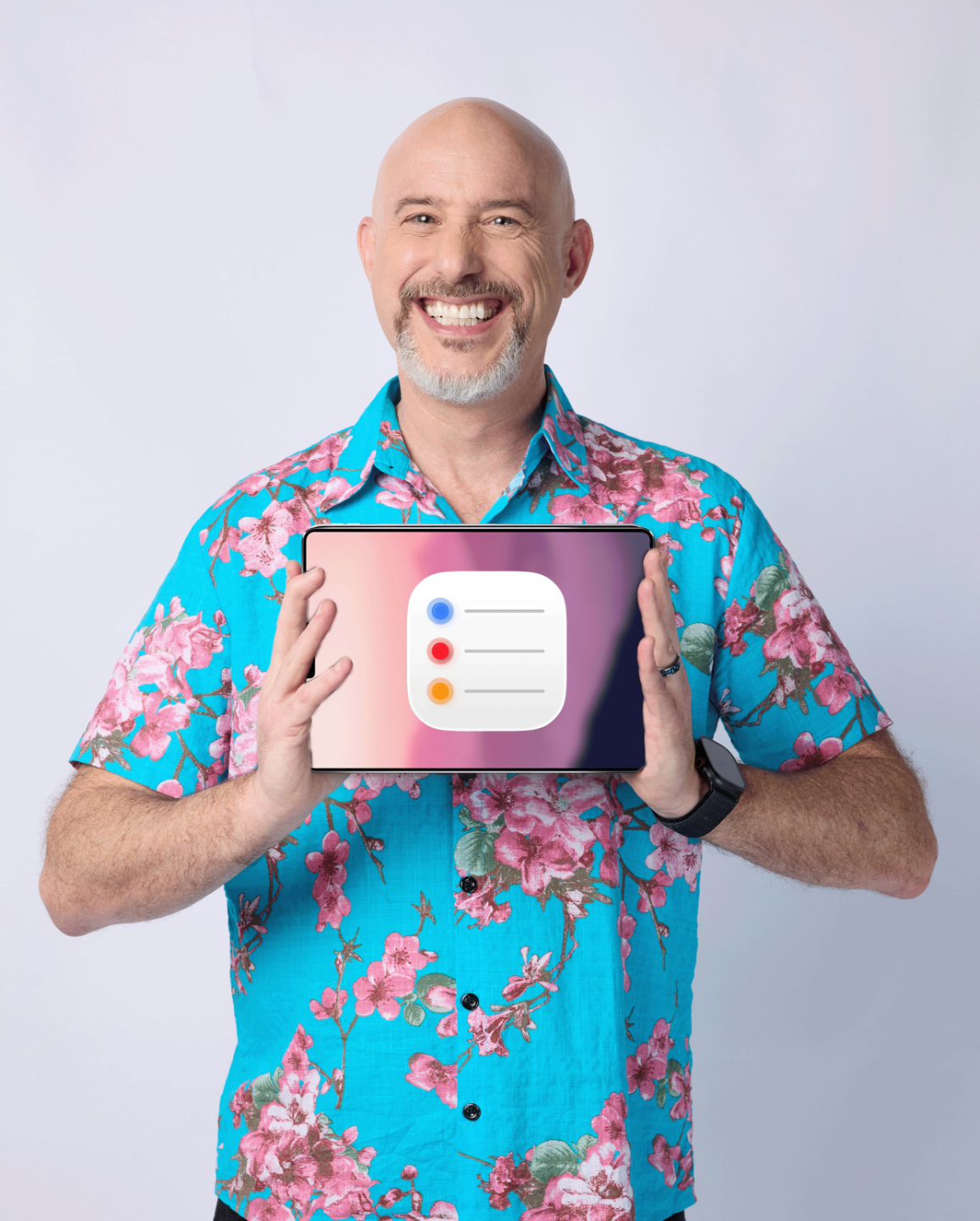
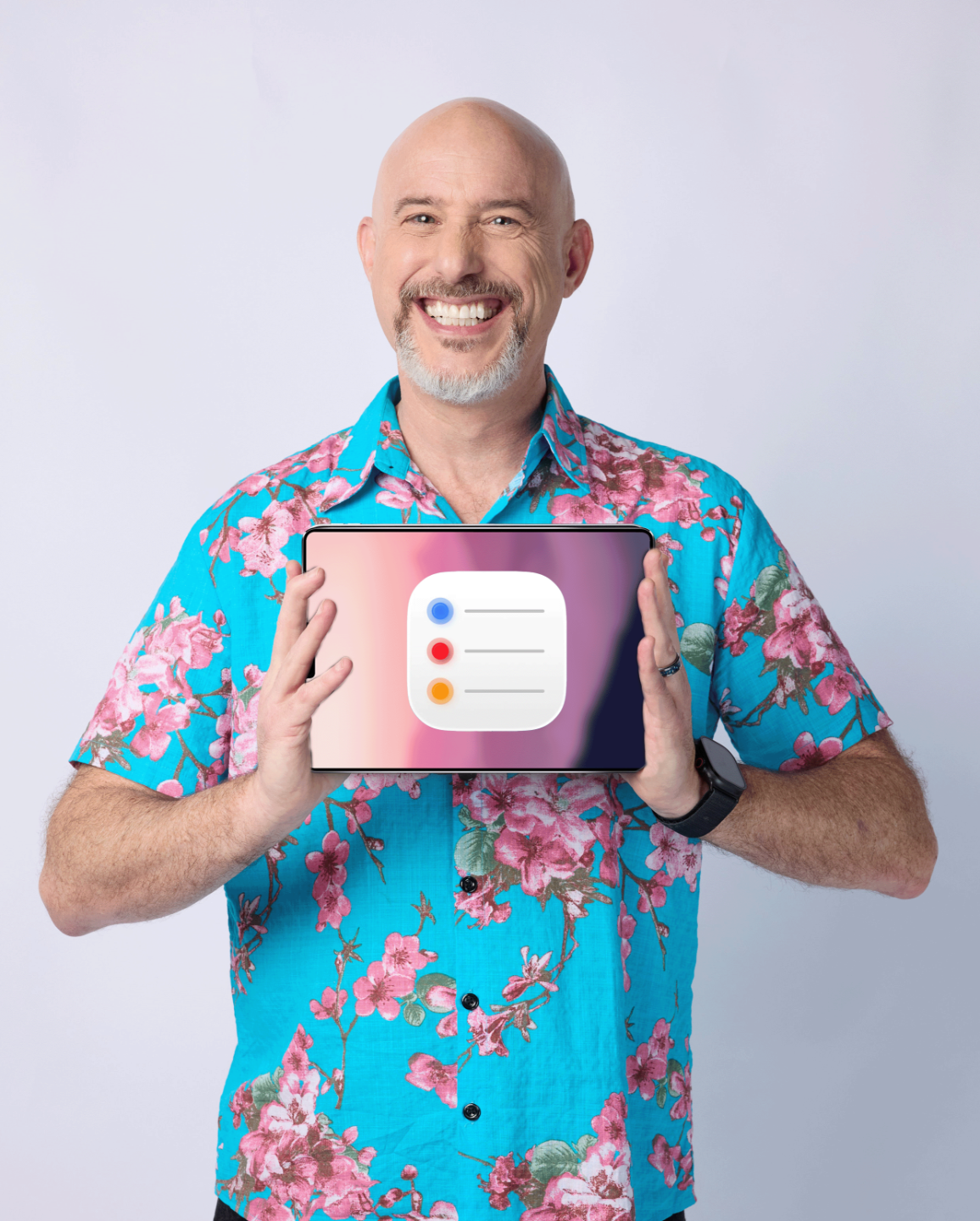
Reminders on the iPad = Accomplish Things
Calendar on the iPhone = Schedule Things
You’ll discover how to:
- use Notes as a clean home base for ideas, plans, and important information
- move the right things from Notes into Reminders so tasks stop floating in your head
- use Calendar to make time for what matters in real life
- create a simple workflow that feels easy to keep up with
- reduce mental clutter without over-organizing your life
- build a weekly rhythm you can actually stick with
You don’t need to be a tech expert.
Just bring your curiosity and your Apple devices.
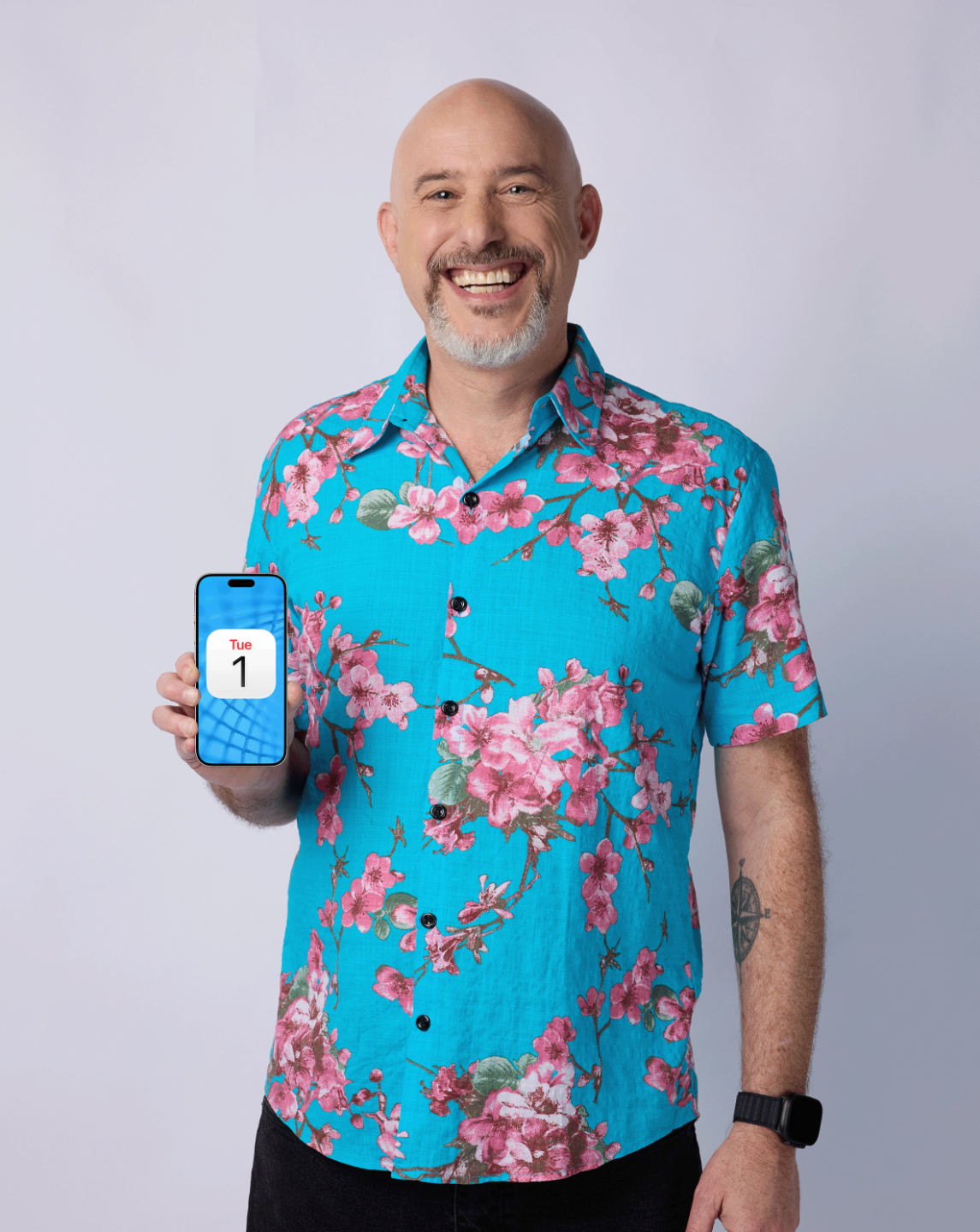
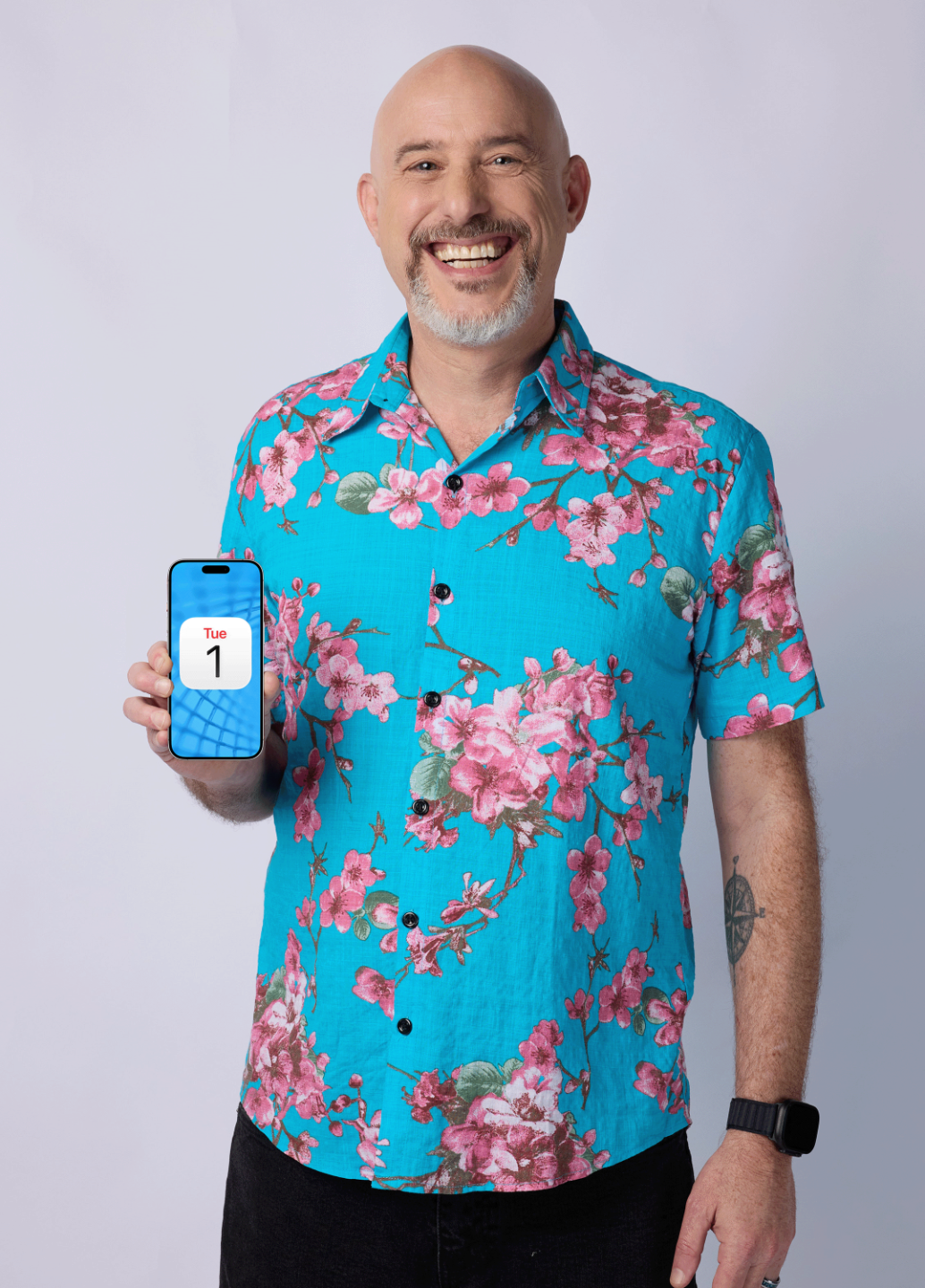
Meet Dylan Stewart, The MacWhisperer
With more than 20 years of Apple teaching experience, Dylan helps people stop feeling overwhelmed by their devices and start using them with more clarity, confidence, and ease.
His teaching style is practical, approachable, and easy to follow — whether you’re brand-new to Apple productivity tools or ready to sharpen the system you already have.








What You’ll Walk Away With
By the end of this workshop, you’ll have:
- a simple Notes Home Base
- a practical Reminders workflow
- a more realistic Calendar rhythm
- one connected system to help you store things, accomplish things, and schedule things
Bonus: Replays Included
Can't make every session live?
No problem at all. Life gets busy, and we completely understand that.
When you register, you'll also get instant access to all the replays so you can catch up, rewatch, or revisit any part of the training at your own pace, whenever it suits you best.
Still Have Questions? We've Got You Covered.
How is the workshop delivered?
What if I can’t attend all three days live?
Is this workshop for beginners or more advanced Apple users?
Is this hands-on?
Do I need any extra apps?
Ready to simplify your digital life?
Join us live for this free 3-day workshop and learn how to make your Apple devices work together in a way that finally feels clear and manageable.
Join the Free Workshop