
The OS 27 Apple Workshop is Now Wrapped!
Missed the live workshop? Don't worry—you can still master your Apple gear.
Over three incredible days, hundreds of Apple users joined us to simplify OS 27, master Siri AI, and connect their devices into one seamless, stress-free system.
While registration for this live event is now closed, your journey to total digital confidence doesn't have to wait.
Here’s what you can do next:
-
🌟 Join The MacWhisperer Academy: Get instant access to bi-weekly live classes, step-by-step printable SmartGuides, full workshop replays, and a welcoming, shame-free community of Apple users.
Get Notified for Future Workshops:
Apple changed more than the look of your Mac, iPhone, and iPad. In this free live workshop, Dylan will show you what actually changed, what really matters, and how to put the new features to work in your everyday life.
No tech jargon. No trying to figure it out on your own. Just three practical, easy-to-follow sessions that help you get more from the Apple devices you already own.
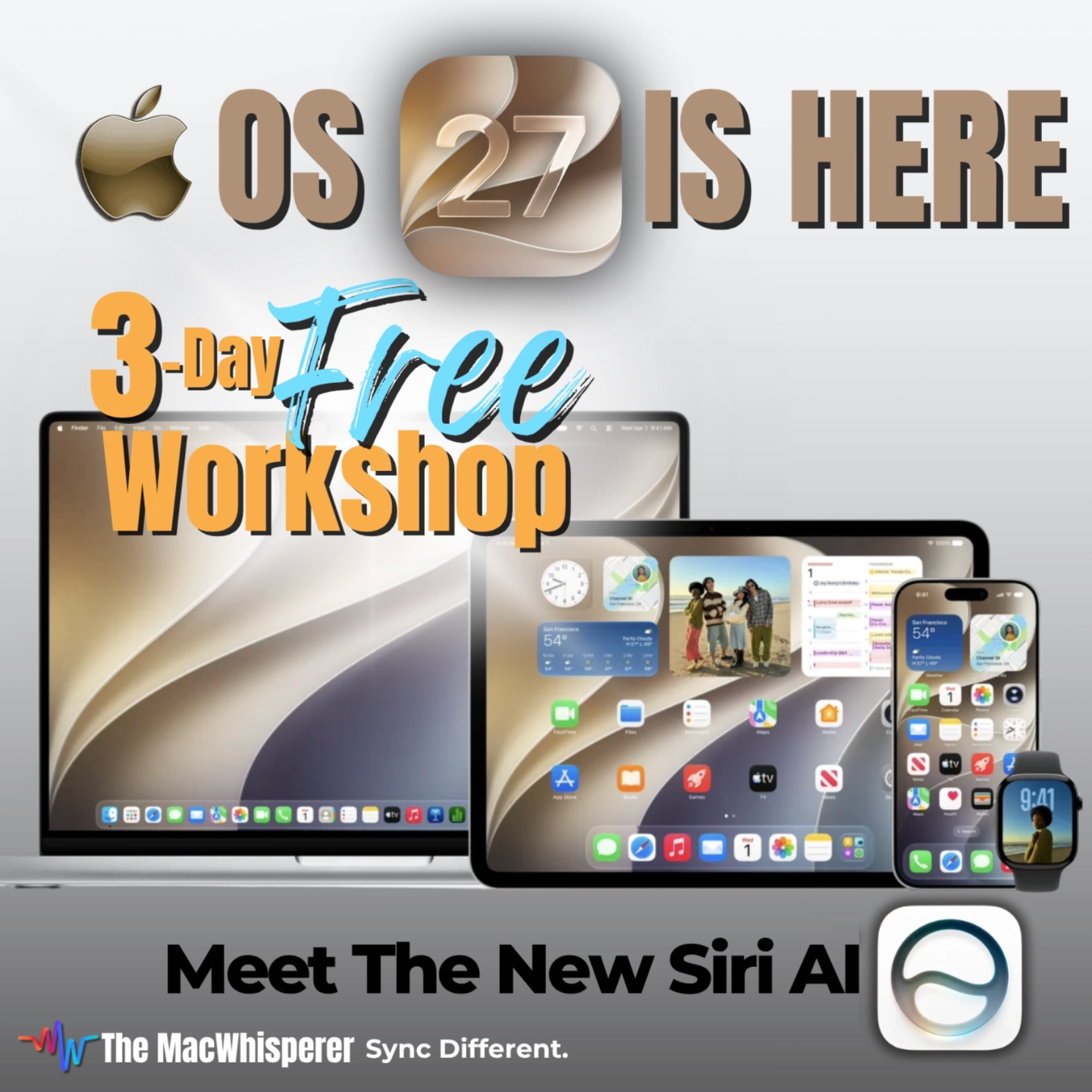
Free 3-Day Live Workshop · September 25–27
OS 27 Is Almost Here! Learn What Your Apple Devices Will Be Able to Do.
Apple changed more than the look of your Mac, iPhone, and iPad. In this free live workshop, Dylan will show you what actually changed, what really matters, and how to put the new features to work in your everyday life.
No tech jargon. No trying to figure it out on your own. Just three practical, easy-to-follow sessions that help you get more from the Apple devices you already own.
Does This Sound Familiar?
-
You install the latest update but keep using your devices exactly the same way you did before.
-
You hear about new Apple features but aren’t sure which ones are actually worth learning.
-
You know Siri is changing, but you still mostly use it for timers, weather, and basic questions.
- You suspect your Mac, iPhone, and iPad can do much more than you’re currently asking them to do.
You don’t need to learn everything Apple added. You need someone to show you what matters — and how it can work for you.
What You’ll Learn
In just 60 minutes a day, Dylan will take you through the OS 27 changes worth understanding and show you how to start using them immediately.
- Understand What Really Changed in OS 27 — Separate the genuinely useful improvements from the cosmetic changes so you know where to focus.
- Meet the Smarter Siri — Discover how Siri and Apple Intelligence can help you find information, work with what’s on your screen, and accomplish more without digging through apps and menus.
- Discover What’s New in Photos — See how Apple’s newest visual tools can help you find, improve, and work with your photos more easily.
- Put Safari and Shortcuts to Work — Learn practical ways to browse with less clutter and automate small tasks you repeat all the time.
- Make Your Apple Devices Work Better Together — See how your Mac, iPhone, and iPad can become one connected system instead of three separate devices.








Join Us Live — Or Catch Up With the Replay
Each day reveals a different part of the OS 27 experience, and together the three sessions give you the full picture of what changed, what matters, and how to use it.
But if you can’t make one of the sessions, register anyway. We’ll send registered attendees the recording shortly after each day concludes so you can catch up before the next session begins.
Day 1 : See What OS 27 Can Really Do
Start by cutting through the noise and understanding which OS 27 changes are actually worth your attention.
You’ll get a clear picture of what’s new, what matters most, and which features can immediately make your everyday Apple experience easier and smarter.
What you’ll learn:
- Which OS 27 changes are genuinely useful
- How Apple Intelligence is changing the way you interact with your devices
- What’s new in Safari and other everyday tools
- How Shortcuts can simplify tasks you repeat
-
How to start putting the most useful new features to work right away
Takeaway: Now I understand what changed — and which new features are actually worth using.
Friday, Sep 25
12:00–1:00 PM PT
3:00–4:00 PM ET
Join the Free Workshop
Day 2 : Meet the New Siri
Move beyond timers and weather and discover what the smarter Siri experience can actually do.
You’ll see how Siri can help you find information, work with what’s on your screen, connect details across apps, and interact with your Apple devices in a much more natural way.
What you’ll learn:
- How to talk to Siri more naturally instead of memorizing commands
- How Siri can help you find photos, notes, contacts, information, and more
- How Siri can work with what’s happening on your screen
- How Siri and Apple Intelligence can connect information across apps
- Practical ways to use Siri throughout your day with less tapping and searching
Takeaway: I had no idea Siri could help me do all of that.
Saturday, Sep 26
12:00–1:00 PM PT
3:00–4:00 PM ET
Join the Free Workshop
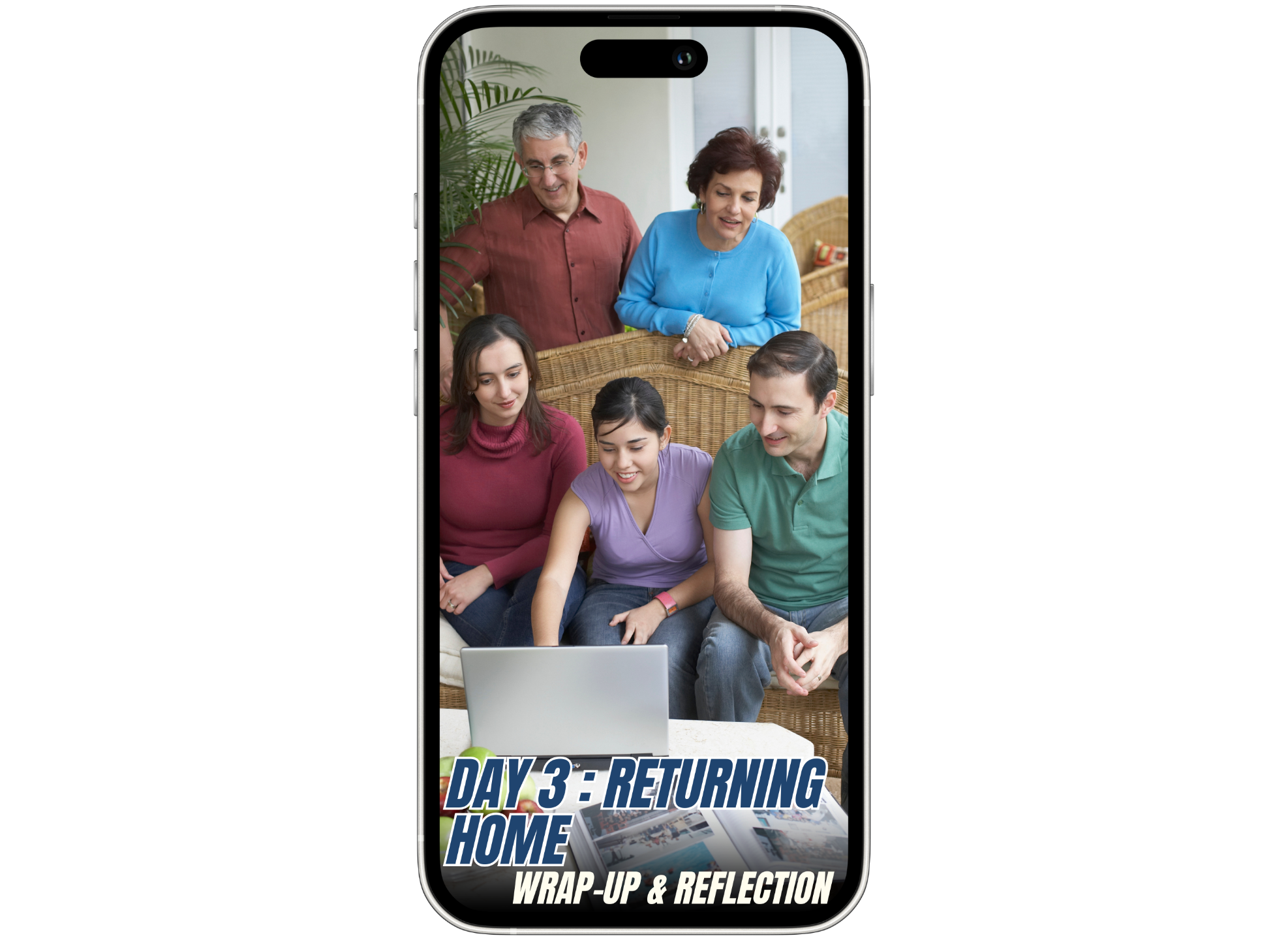
Day 3 : Bring it All Together
This is where everything comes together. You’ll connect what you learned about OS 27, Siri, Apple Intelligence, Photos, and everyday workflows so you can start using the new system as a whole — not just as a collection of new features.
You’ll explore Photos, Apple Intelligence, connected workflows, and the ways Apple’s newest tools can help you move more naturally between tasks, information, and devices.
What you’ll learn:
- What’s new in Photos and how to get more from your pictures
- How Apple’s visual tools can help you find, improve, and work with content more easily
- How Apple Intelligence connects with the tools you use every day
- How your Apple devices can work together more naturally
- How to turn everything you learned over the three days into a smarter everyday Apple routine
Takeaway: Now I understand how these new features fit together — and how to make my Apple devices work better for me.
Sunday, Sep 27
12:00–1:00 PM PT
3:00–4:00 PM ET
Join the Free Workshop
What You’ll Walk Away With
By the end of the three days, you won’t just know that OS 27 changed — you’ll understand what those changes mean for you.
You’ll know which new features are worth your attention, how to start using them, and how to get more from the Mac, iPhone, and iPad you already own.
Most importantly, the next time you pick up one of your Apple devices, you’ll have a much better idea of what it can do now — and how to make it work for you.
- Clarity about what changed in OS 27
- Practical new ways to use Siri, Photos, Safari, Shortcuts, and Apple Intelligence
- More confidence using your Apple devices as one connected system
Still Have Questions? We've Got You Covered.
Do I need to be tech-savvy to attend this workshop?
Is this workshop really 100% free?
What if I can’t attend every live session?
Which Apple devices do I need for the workshop?
Do I need to have OS 27 already installed on my devices?
OS 27 Is Already on the Way. Make Sure You Know What to Do With It.
Join Dylan live September 25–27 and discover what changed, what matters, and how to get considerably more from the Apple devices you already own.